
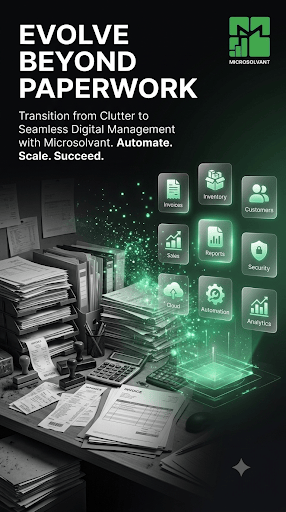
Almost every lending business begins in a spreadsheet. It is free, familiar and fast to set up. But as your client list grows, that same spreadsheet starts working against you. If you are wondering whether it is time to move on, this guide is for you.
Signs your spreadsheet has outgrown your business
- You are not sure which version of the file is the latest one.
- A wrong formula or a deleted row has already cost you money.
- Calculating interest and balances takes hours every week.
- Only one person really understands how the file works.
- You cannot easily see who is late on repayments today.
- Staff can see, and change, information they should not touch.
What spreadsheets quietly cost you
The real cost is rarely the software. It is the hours spent re-checking numbers, the late payments nobody noticed in time, and the clients whose history you cannot find when they ask. A single broken formula can hide a wrong balance for months. Spreadsheets also have no memory of who changed what, so mistakes are hard to trace and harder to fix.

What a proper loan system does differently
- One record per client, with their full loan and repayment history.
- Interest, schedules and balances calculated automatically, with no formulas to break.
- Collateral linked to the loan it secures.
- Risk assessment that points out loans likely to fall behind.
- Reports and analytics ready whenever you need them.
- Team roles, so each person sees only what they need.
- Access from your phone, so records are updated in the field.
How to move from Excel to Microsolvant
- Tidy your current sheet: one row per client, and one row per loan.
- Create your Microsolvant account and start your free trial.
- Add your clients, then your active loans with their repayments so far.
- Run both systems side by side for a short time to build confidence.
- Invite your team, set their roles, and retire the spreadsheet.
You do not have to move everything on day one. Many lenders start with their active loans and bring older records across later. The goal is simple: stop spending your time maintaining a file and start spending it on your clients.